For hotels and inns
Keep your hotel website as current as your property
Packages change with the season. The pool opens and closes. The restaurant has a new menu. Tell Claude what changed, review the update, and publish it yourself.
- No technical skills needed
- Every change previewed first
- Built for hotels and inns
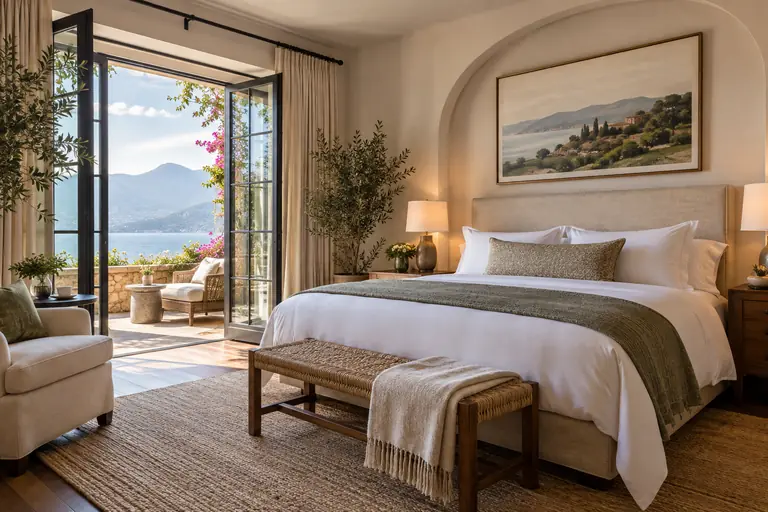
What hotels update.
Packages and offers
Packages, offers and seasonal promotions.
Amenities and hours
Pool, spa, gym and parking, and when each is open.
Dining
Menus, hours and the restaurant's own news.
Events
Events, weddings and holiday programs.
Photos
Rooms and the property, through the seasons.
Contact and booking links
Contact details and links to your booking engine.
Simple and calm
How an update works
Describe the change the way you would to someone helping with your website.
- 1
Tell Claude what to change
Describe the update in plain words. If a price or a date is missing, Claude asks rather than guessing.
- 2
Check the preview
Review the changes and ask for any adjustments before publishing.
- 3
Publish when you're ready
Approve the update to make it live. You can restore an earlier version when needed.
Things you can ask for.
- "Add our winter offer, three nights for the price of two, to the homepage."
- "Update the pool hours to 8 a.m. to 10 p.m."
- "Replace the rooftop photos with the new ones in the media library."
- "Add our New Year's Eve dinner to the events page."
A hotel website goes out of date quickly.
Guests check the website before they book and again before they arrive. They look for the current offer, what's open, when breakfast is served and what's on. When that information is old, they call the front desk, or book somewhere that looks more up to date.
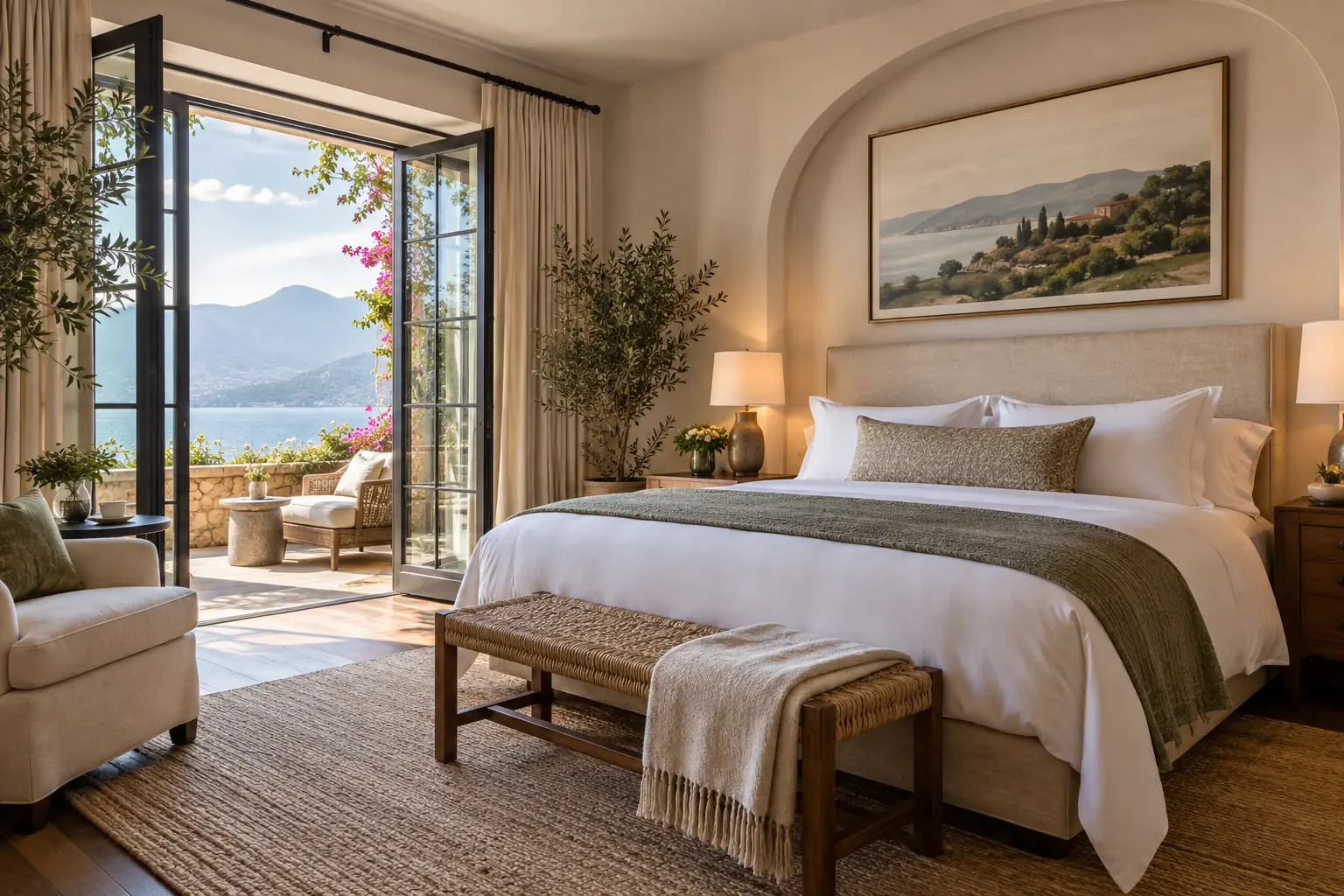
Through the seasons.
- Seasonal offers. Add them with an end date, so they come down on time.
- Amenity hours. Change the pool or spa hours when the season turns, and change them back.
- Photo refreshes. New rooms, a new terrace, the property in the snow. Add them to the media library and tell Claude where they go.
- Holiday programs. New Year's Eve dinner, a summer festival, a wedding fair.
Your booking engine stays where it is.
Marquezee looks after your website: hosting, security, backups and support, with every content update reviewed by you before it goes live. Bookings, rates and availability stay in the systems you already use, linked from your website.
Plans start at $50 a month on Founding 50, with setup waived, for our first 50 websites. See pricing.
Questions
Does Marquezee handle bookings?
No. Marquezee is not a booking engine or a property management system. Your booking engine stays in place, and your website links to it or embeds it. Changes to the booking system itself go to our team.
Can I change room rates on the website?
You can change any prices that appear in your website's own content, such as a package price. Live rates and availability come from your booking engine, so they change there.
How do I add new photos?
Add them to your media library in the Marquezee panel and give each a name. Then tell Claude where to use it, for example "Put the new lobby photo on the about page."
Can a seasonal offer come down on its own?
Give the offer an end date when you add it, and a reminder is set to remove it then.
Can more than one person on my team make changes?
Yes, on the Team plan. Each person gets a role: an editor can make and publish changes, and a contributor can propose changes for an owner or editor to publish.
Can the website be in more than one language?
Your website can be in your own language, including languages written right to left. Ask us about a site in more than one language.
Read next
- How to update your hotel websiteRooms, offers, amenity hours, policies, booking links and photos, with an update schedule.
- Small business website maintenance checklistWhat to check every week, month, quarter and year, plus a five minute monthly check.
- Website management without the back-and-forthWhat website management covers, how updates work, and how it differs from hosting and development.
Let's take a look at your website.
Create your account, or send us your website address and we'll explain what moving to Marquezee would involve.
Get started Share your website
- No technical skills needed
- Every change previewed first
- Built for hotels and inns